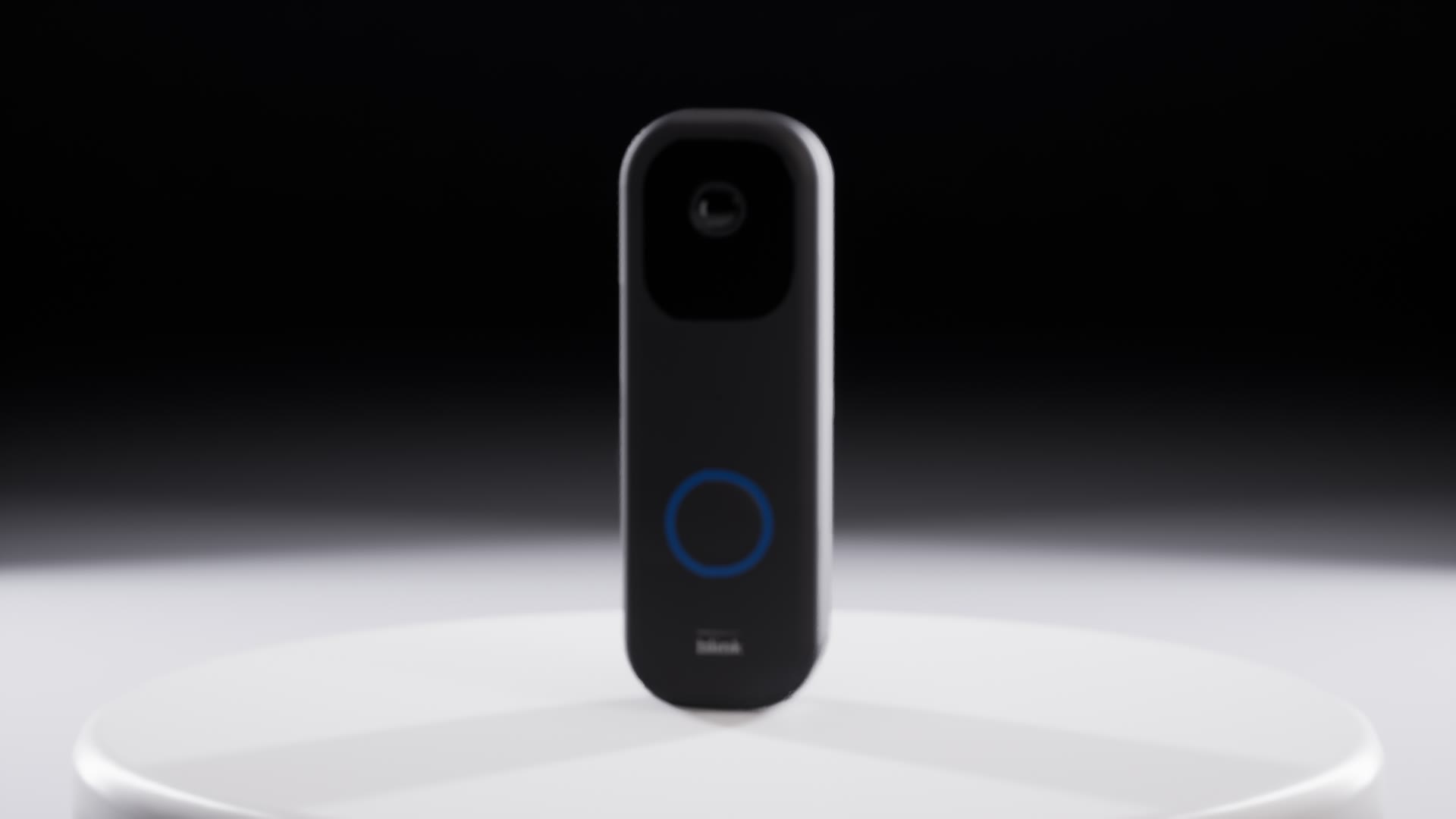
Real references, real size
The Blink breakdown compares reference dimensions with model bounds. Raised lenses and sensor domes are called out separately so depth differences stay visible.
See the mesh table
LODs, UVs and collision
Every Blink mesh has three LODs, one UV channel and one simple collision box, checked in wireframe, UV and collision views. Pivots sit where the object moves, like the XT2 head on its ball joint.
See asset checks
Editable materials
A parent material exposes parameters and each finish is an instance: MI_Gold and MI_Aluminium, the doorbell in black and white. LEDs are driven at runtime through material parameters.
See material instances
Event-driven Blueprints
The Blink devices expose PressButton and SetArmed commands. Motion detection responds to overlap events; shared device logic lives in a base class.
See system Blueprints
Readable graphs
Blueprint screenshots show the logic in labelled sections, with exposed settings and motion formulas alongside the graphs.
See the graphs
Asset organisation
Meshes, materials, instances, Blueprints and textures use distinct SM_, M_, MI_, BP_ and T_ prefixes. Named components make assemblies easier to inspect.
Troubleshooting
Reproduce the problem, then narrow it down: empty material slots, the Reference Viewer for missing textures or parents, breakpoints on the node that misbehaves. Black renders on one project came down to an unsaved level.